Blog Franchise Growth · The Franchise Growth Playbook · Part 9
Google Business Profiles at scale: a playbook for 50+ locations
Hours, reviews and booking links are what Google and its booking agents read before anyone opens your website. Here is how a franchisor keeps every profile in a system accurate without losing track of any of them.
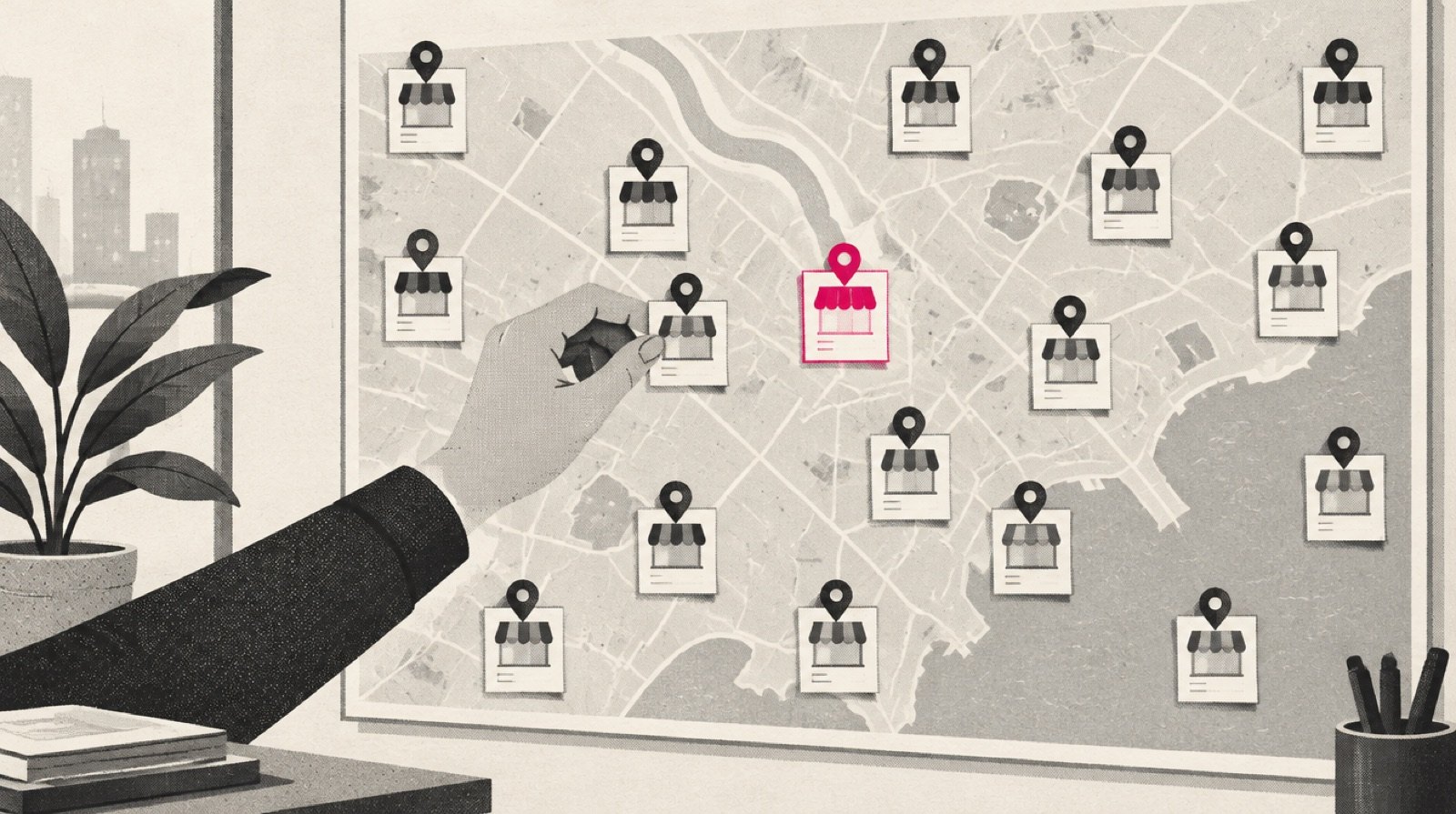
A franchise system with 60 locations does not have one Google presence. It has 60 of them, each with its own hours, phone number, booking link, photos and reviews, and each one edited by whoever had the login last. On a good day they agree with each other. On a holiday weekend, they usually do not.
That used to be a nuisance. Now it is the front door. Google's own help page on local ranking says results are based on relevance, distance and prominence, and that complete and accurate information makes a business more likely to show up. In November 2025 Google said AI Mode will "search across multiple reservation platforms and websites to find real-time availability" for local appointments, naming Booksy, Fresha and Vagaro as partners. We covered what that means in Google's AI Mode wants to book the appointment. This playbook is the franchisor's half: how to keep 50 or more profiles true at once.
Why the profile gets read first
Your website is one place a customer, or a customer's software, might look. The Business Profile is the place Google already has open. It holds the hours, the category, the phone, the booking links and the reviews, in a structure Google controls. When someone asks "is there a lash studio open near me on Sunday," the answer is assembled from that structure before any homepage is fetched. We made the broader case in your next customer won't visit your website.
For a single-location owner this is a chore. For a franchisor it is a data problem. One wrong holiday hour at one location is a lost visit. The same wrong hour copied across a region is a pattern that Google, and the customer, will remember.
Google does give multi-location brands real tools. They are spread across many help pages, so here are the limits worth knowing.
Source: Google Business Profile Help: bulk verification, local business links, special hours, and reviews pages, read October 2026
A few details from those pages matter more than they look:
- Bulk verification needs a spreadsheet with "10 or more profiles from the same business," and it must list every profile you manage. Service-area businesses are not eligible, and duplicate, suspended or disabled profiles do not count toward the ten.
- Store codes are the key that ties a spreadsheet row to a profile. Google warns that adding or changing a store code on an existing location "will create a duplicate location."
- Blank columns delete data. If your upload spreadsheet has a column heading with nothing under it, Google says "existing info for those columns will be deleted."
- Booking links are manual. Google's local business links page says these links "are not available via the Business Profile API or spreadsheet upload." Hours can go in a sheet. Booking links are set profile by profile.
- The new Gemini helper is not for you. Google's page on managing a profile with the Gemini web app says it is only for an owner or manager of one verified profile. A multi-location team still works in Business Profile Manager.
The playbook: one sheet, one owner, one rhythm
- Build one master sheet keyed by store code
One row per location: store code, legal location name, address, phone, primary category, regular hours, booking URL and who owns the profile. Pick store codes once and never change them. If you already keep a location record, as we do in the Hub, use its location ID as the store code so every tool points at the same row. We explained why in one record, every tool.
- Put every profile in a business group
Google's business groups work like shared folders. Owners and managers both "can create, edit, and delete profiles," and anyone added to a group can "access all current and future profiles placed in the group." Decide in writing who is the owner of each group, and add franchisees and agencies as managers. Never share a single login.
- Verify in bulk where you qualify
If you have ten or more physical locations of the same brand and no verified account yet, request chain verification in Business Profile Manager under Verifications. Uploading the sheet alone does not send the request. Note that agencies with more than one business in one account cannot bulk verify, so the request should come from the brand's own account.
- Set special hours a season ahead
Google recommends confirming hours for official holidays even when they match your regular hours. Special hours cover closures of up to six days in a row. For seven days or more, Google says to mark the location temporarily closed instead. Put the next quarter's holidays on one calendar and confirm them for every location at once.
- Point every booking link at the right location
Each profile's booking link should open that location's own schedule, not the brand homepage. If a profile has several links, set one as "Business preferred." Check for links added by third-party providers too: Google says providers must remove a link within 5 days of a removal request.
- Run reviews as a system, not a mood
Give every location the same review request link or QR code, and the same rule: Google prohibits offering anything in exchange for a review. Reply to reviews, good and bad. Google checks replies before they show, which usually takes up to 10 minutes and sometimes up to 30 days.
- Audit monthly, from the sheet
Once a month, compare each live profile against the master sheet: hours, phone, category, booking URL, owner. Fix the profile, or fix the sheet, but never let them disagree.

Where franchise systems go wrong
The common failure is not neglect. It is shared ownership with no owner. A franchisee edits hours in the app, an agency uploads a spreadsheet, the brand team changes the category, and nobody knows which version is current.
Profiles by whoever logs in
Each location edits its own profile when it remembers. Logins are shared. Holiday hours are set the day before, if at all. Booking links point at the brand homepage. Nobody can say how many profiles are verified.
Profiles run from one record
One sheet keyed by store code is the source. Business groups carry named owners and managers. Holidays are confirmed a quarter ahead. Every booking link opens that location's schedule. A monthly audit shows the gaps.
The profile is the place Google already has open. Your homepage is one place it might look next.
The arithmetic shows why this needs a system. Say a 60-location system recognizes 8 official holidays a year. That is 480 holiday hour confirmations, before any snow day or remodel. Say each location also needs one booking link checked each month. That is 720 checks a year, and Google says booking links cannot be set through a spreadsheet or the API. Neither number is large for a team with a calendar. Both are impossible for a team without one.
What to measure this quarter
Pick four numbers, measure them for every location, and review them in your franchise marketing meeting:
- Verified share: profiles verified, divided by locations open.
- Holiday readiness: locations with special hours confirmed for the next holiday, divided by locations open, checked one week before.
- Booking link accuracy: profiles whose preferred booking link opens that location's own schedule.
- Reply coverage: reviews in the last 30 days with a reply, divided by all reviews in the last 30 days.
Track these as rates, not counts, so a 20-location region and a 200-location system can be compared on the same scale. Start where you are. The first audit will be uncomfortable, and that is the point of running it.
If your website is the second place an agent looks, make sure it says the same thing as the profile. Agent Ready scores a site on whether an AI agent can read and act on it.
Sources
- Google Business Profile Help, "Verify Business Profiles in bulk," https://support.google.com/business/answer/4490296?hl=en, read October 10, 2026.
- Google Business Profile Help, "Create a bulk upload spreadsheet for Business Profiles," https://support.google.com/business/answer/3370250?hl=en, read October 10, 2026.
- Google Business Profile Help, "Add & manage Business Profile store codes for bulk uploads," https://support.google.com/business/answer/4542487?hl=en, read October 10, 2026.
- Google Business Profile Help, "Create & manage business groups," https://support.google.com/business/answer/6085339?hl=en, read October 10, 2026.
- Google Business Profile Help, "Manage your local business links," https://support.google.com/business/answer/6218037?hl=en, read October 10, 2026.
- Google Business Profile Help, "How to set Special hours," https://support.google.com/business/answer/6303076?hl=en, read October 10, 2026.
- Google Business Profile Help, "Manage customer reviews," https://support.google.com/business/answer/3474050?hl=en, and "Tips to get more reviews," https://support.google.com/business/answer/3474122?hl=en, read October 10, 2026.
- Google Business Profile Help, "Tips to improve your local ranking on Google," https://support.google.com/business/answer/7091?hl=en, read October 10, 2026.
- Google Business Profile Help, "Manage your Business Profile on Google with the Gemini web app," https://support.google.com/business/answer/17142585?hl=en, read October 10, 2026.
- Google, Julie Farago, "New ways to plan travel with AI in Search," https://blog.google/products-and-platforms/products/search/agentic-plans-booking-travel-canvas-ai-mode/, November 17, 2025.